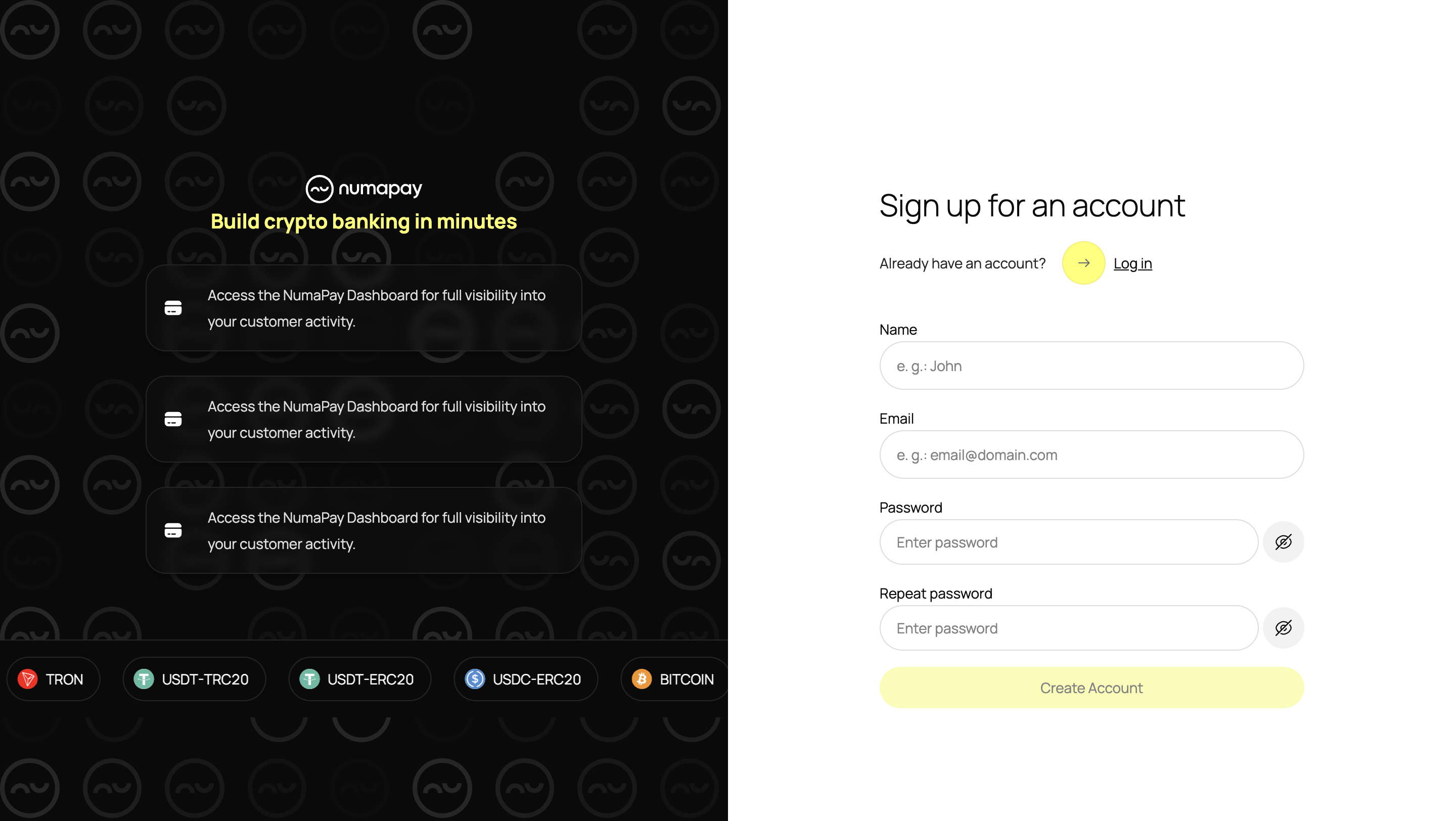
Creating an Account
To get started with NumaPay, you need to create an account and successfully complete the KYB verification process. Sign up here.
After signing up, you'll be directed to your personal dashboard.
Account Activation
This is where you'll complete the KYB verification process. You can activate your account anytime, and all your progress will be saved at any step.
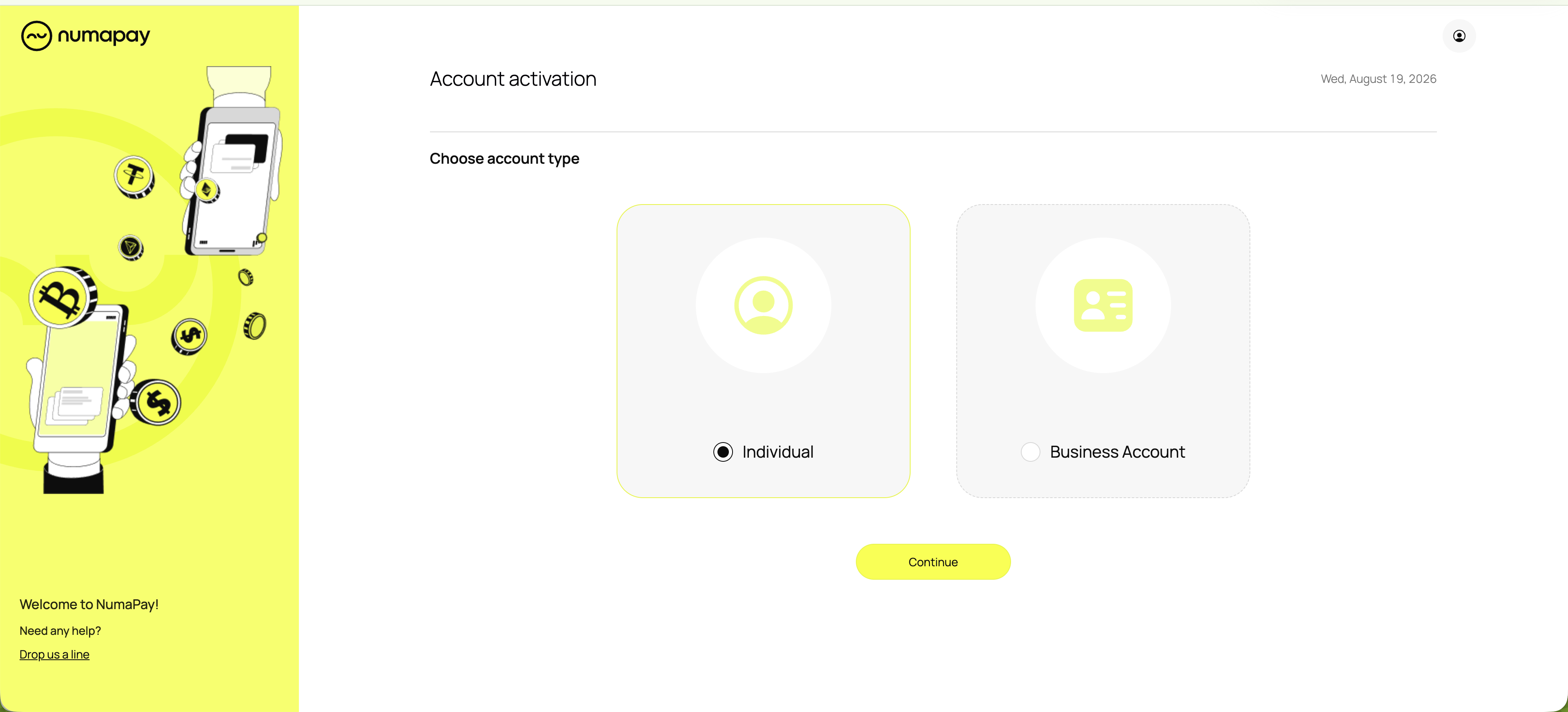
You'll be directed to the NumaPay onboarding form, where you'll need to provide information about your company. The KYB verification process includes the following steps:
- Entity Data
- Entity Detail Information
- Business Location Information
- Legal Representatives (e.g. directors)
- Shareholders
- Ultimate Beneficial Owners
- Entity Signatory Information
- Application-related Questions
- Documents
- Company Documents
- Ownership Documents
- Representative Data
- Proof of Address
- Source of Funds
- Bank Statements
- Supporting Documentation for Statements
Once you've completed the form, our legal team will review your application. The decision to approve or reject your account verification will be made within 3 business days. Once your application is confirmed, all NumaPay features will be available to you.
Prohibited jurisdictions in relation to the serviceAfghanistan, Albania, Bahamas, Barbados, Belarus, Botswana, Burkina Faso, Burundi, Cambodia, Central African Republic, Congo, DR, Crimea, Eritrea, Ghana, Gibraltar, Guinea, Guinea Bissau, Haiti, Iceland, Iran, Iraq, Jamaica, Lebanon, Libya, Mali, Mauritius, Mongolia, Myanmar, Nicaragua, North Korea, Pakistan, Palestine and all associated territories, Panama, Russia, South Sudan, Sudan, Syria, Trinidad and Tobago, Uganda, United Arab Emirates, United States of America, Vanuatu, Venezuela, Yemen, Zimbabwe, Somalia, Cuba, Donetsk and Luhansk regions of Ukraine.
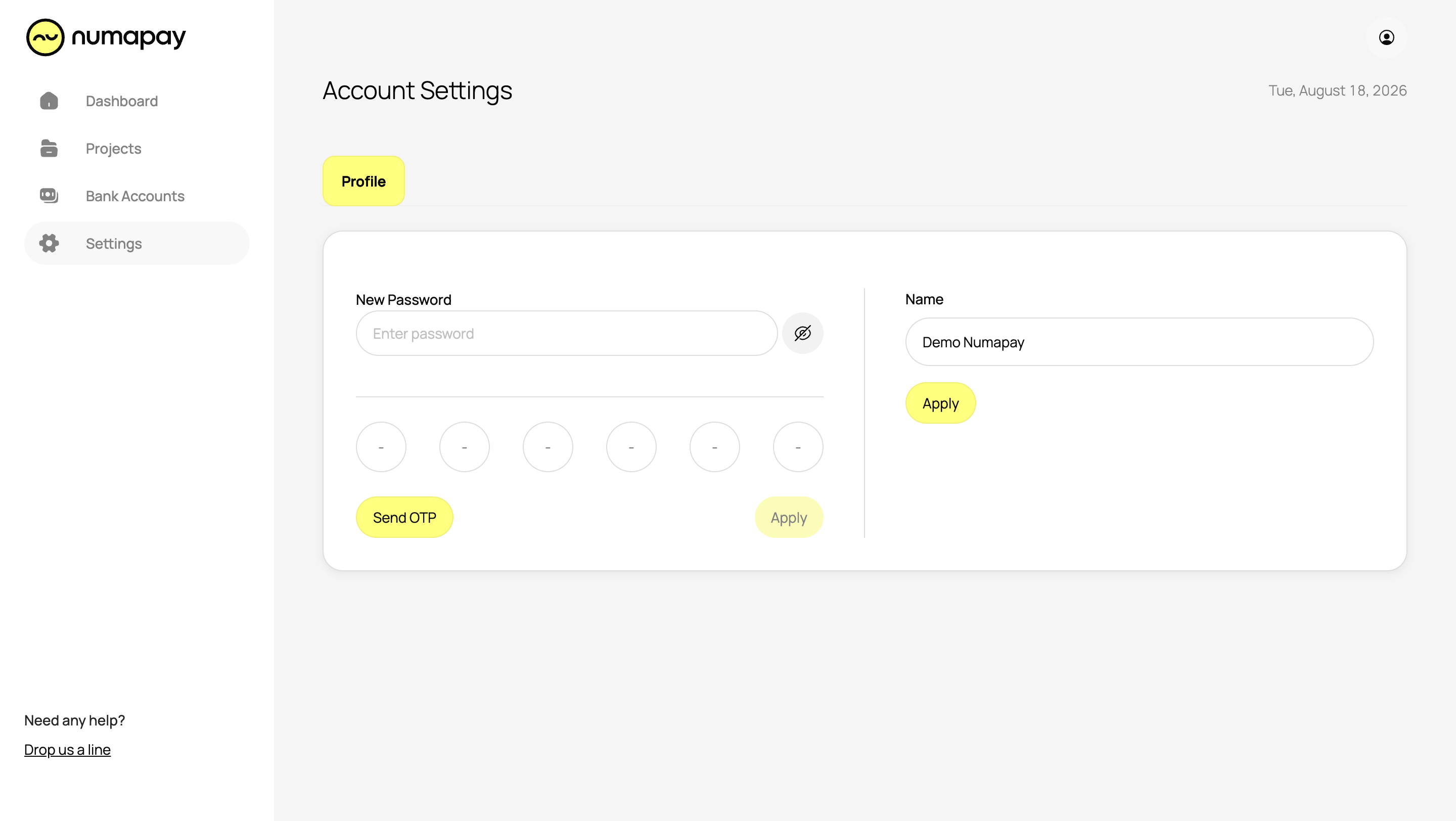
Account Settings
Keep your profile updated and secure in the Account Settings section.
- General Information: Change your account name and password.